
When a multi-billion-dollar corporation sits at the center of the entire SEO industry, it can be tough to believe everything they say. Constant press releases with talking heads giving vague quotes can throw the industry into a tailspin in an instant, but this doesn’t always have to be the case.
There’s truth in them there hills. You just have to know how to find it.
From patents and leaks to official PR, there’s a lot to filter through, but there are many ways to parse through the information Google releases. This blog will show you how to decipher the real meaning and separate fact from vague corporate untruths.

Understanding Google Patents
For years, well-known SEO researcher Bill Slawski was at the forefront of analyzing Google patents. Since his passing in 2022, the torch hasn’t so much been passed but rather divided between a number of SEOs trying to pick up the slack.
Patent watcher and leak analyzer Mike King still touts Bill’s work and recommends that anyone new to patents should read his work at SEO by the Sea and familiarize themselves with it. That way, you’ll start to understand and recognize the terminology Google uses.
“The difficulty is they’re always going to be dense writing,” Mike said of the patents. “They’re not written to be readable.”
Patents are written that way intentionally, with vague phrasing and broad descriptions to cover all of Google’s bases legally.
Mike started looking into patents years ago after hearing many engineers and Googlers using terminology that he didn’t understand at first. Then he searched through patents for those same words to learn what everyone was talking about.
Most recently, Mike did a deep dive into the AI Mode patents and how it all works.
In the SEO world, experts make discoveries and share them at conferences. Mike says that Google does the same thing with its research by sharing papers and information at conferences for engineers.
“All of these people are sharing their ideas with each other and building upon them,” Mike said.
Now that we know what to expect, let’s look into where to find patents and how to read them.
Where to Search for Patents
There are a few main locations where you can easily find patent applications and their statuses:
- Google Patents: The most user-friendly interface. This is your primary hub that indexes global filings and offers the most intuitive search interface.
- Google Research: Where you can find official product and research releases directly from Google.
- USPTO & Espacenet: These are official government databases with the most up-to-date legal statuses.
- arXiv.org e-Print archive: A directory for white papers.
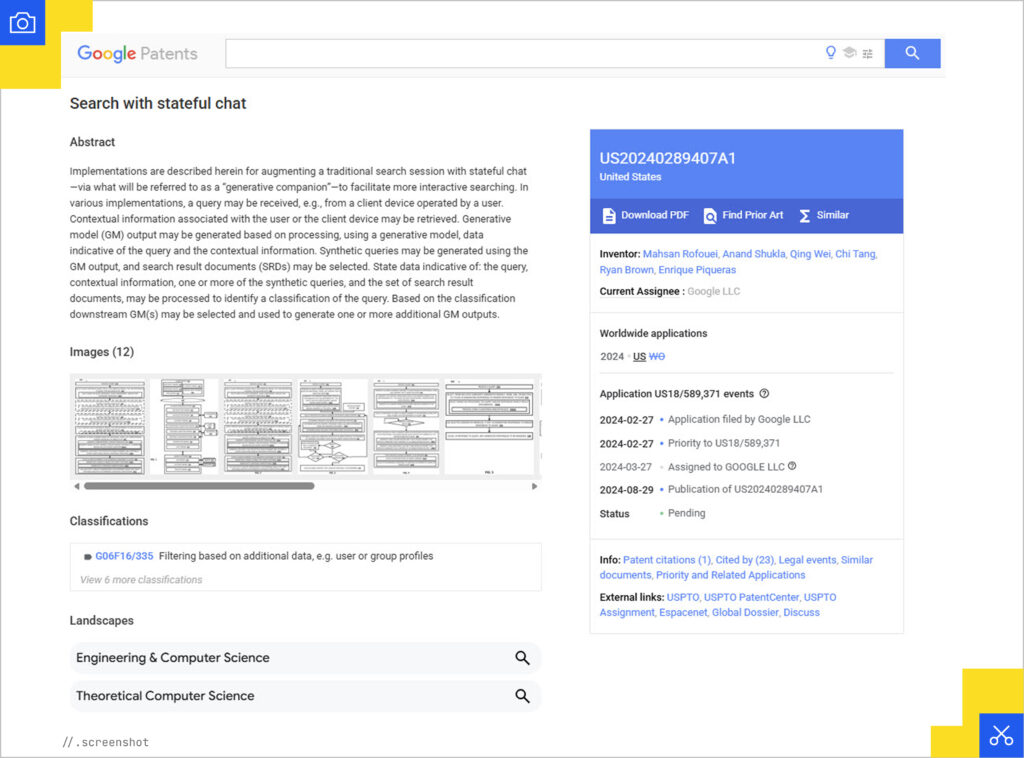
Be sure to filter your search with certain key phrases. If you’re using a site that’s not Google’s official patent directory, add the search operator assignee “Google LLC” to narrow it down, for example.
You can also use CPC (Cooperative Patent Classification) codes like G06F 16/00 (Information Retrieval) to find patents grouped by technology rather than just keywords.
“I don’t browse randomly,” said Metehan Yeşilyurt of AEO Vision. “I usually start from an observed behavior in search and work backwards. My main tools are Google Scholar (citation chains matter more than single patents), arXiv to understand the research roots, and advanced Google searches like “filetype:pdf” combined with ranking or retrieval terms. I’m looking for patterns, not one document. I’m also using consensus.app, recently.”
SEO expert and consultant Marie Haynes said she doesn’t really have a solid process for finding interesting papers and patents – she just keeps her ear to the ground.
“I have an RSS reader that I vibe coded that finds me the latest Google blog posts and more,” she said. “I pay close attention to this page: https://research.google/pubs/.”
She also scours X (formerly Twitter) for interesting papers that people are talking about.
“Most of what I find simply comes from me doing research as interesting scenarios come up,” she added.
How to Read a Patent
You don’t need a law degree to be able to read a patent, but you might need a few tips to read them efficiently.
First, don’t read from top to bottom. Focus on this order instead:
- The Abstract: Read this first. It’s a 150-word summary of the problem and the solution. If the Abstract mentions “improving resource relevance based on user context,” you’re likely looking at a ranking signal.
- The Claims: Found at the very end. The claims define exactly what Google owns. If a specific ranking factor isn’t in the claims, they don’t legally own that specific method.
- The Drawings & Flowcharts: Look for Fig. 1 or Fig. 2. Google engineers use these flowcharts to show how data moves from a user’s query to the final result.

Keep in mind that terms like “entity” or “resource” are used as catchalls for a person, place, or a brand to keep the patent’s scope broad. Remember, Google purposely keeps their patents from being too specific.
“I mentally strip legal padding and reduce everything to inputs, transformations, scoring, and constraints,” Metehan said. “Constraints (latency, decay, thresholds, fallbacks) usually matter more than features.”
A patent does not always equal a finished product either. Google patents thousands of ideas that never see the light of day as an actual product. In fact, Google frequently files “defensive patents,” which are ideas they may never use, to prevent competitors or what they refer to as “patent trolls” from using them.
We know that the language isn’t simple for everyone to understand because it’s written through the lens of information retrieval and not SEO (which is why Mike says they’re able to get away with obfuscating information), but we now have tools to help us make sense of these patents. You can upload the PDF of the patent to NotebookLM and ask it questions or generate a podcast explaining it.
Gemini has obviously indexed all of Google’s research so you can ask it questions, too. If the information hasn’t been made public yet, you can at least give it whatever information you have and it can analyze what it all might mean based on the facts.
“It’s all a lot more accessible now than it’s ever been,” Mike said.
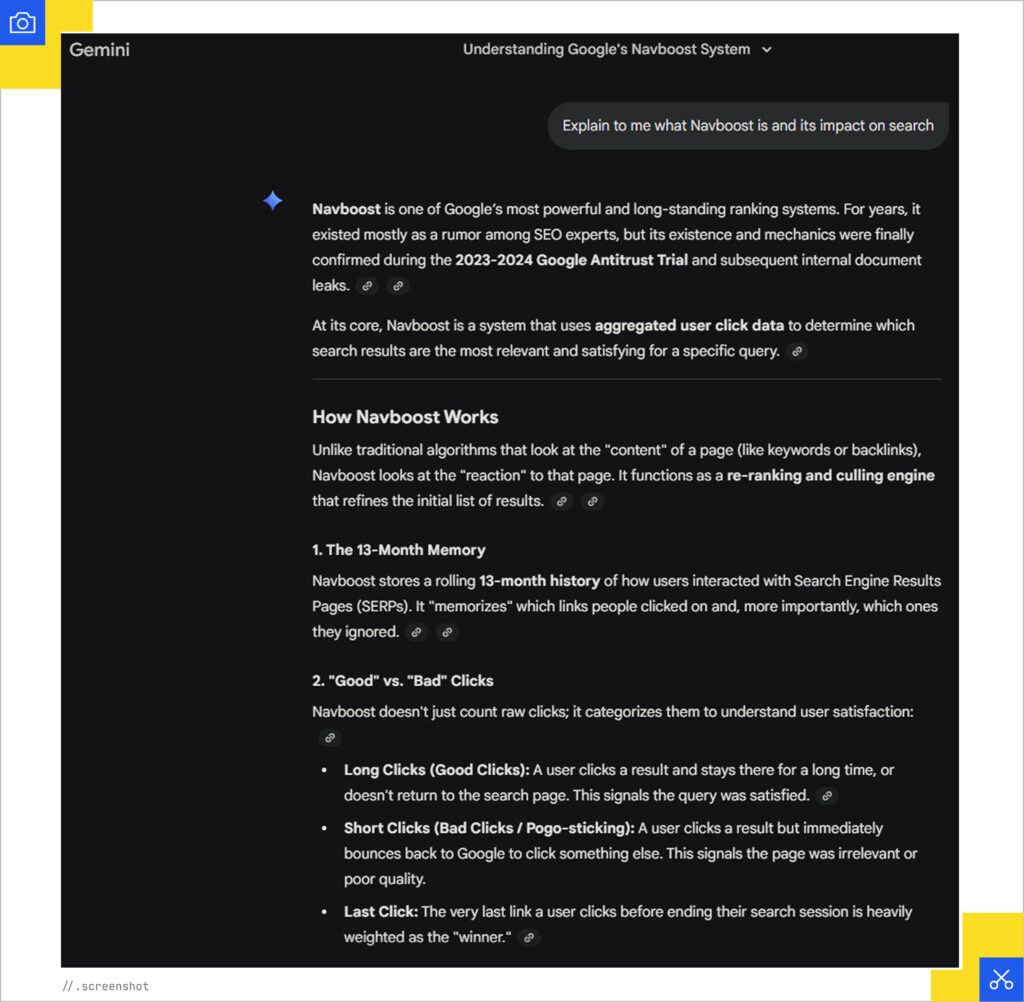
Sometimes, Google will publish updates or expansions, so make sure you’re looking at the right date. A patent usually lists three:
- Priority Date: The most important date. This is when Google first claimed the idea. It tells you exactly when they were thinking about this technology.
- Filing Date: When the formal paperwork was submitted (often months or years after the Priority Date).
- Publication Date: When the patent became public.
If you see a patent published in 2026, but the Priority Date is 2021, you aren’t looking at a new invention but something Google has likely already been testing for five years.
The amount of patents Google applied for has dropped 13% since last year, though, which is interesting to see. The company was granted 1,782 patents in 2025, down from 2,054 in 2024.
Aufgesang’s Head of SEO and AI Search Olaf Kopp monitors new patent publications from Google, Microsoft, and OpenAI every week and manually filters out those that could be interesting.
“My analyses focus primarily on general information such as status, countries/regions where the patents were published, claims, and detailed descriptions,” he said. “Patents that have been published for multiple regions are more exciting, as it is more likely that the methods will also be used in practice.”
Navigating Google Leaks
In May 2024, over 14,000 internal ranking features from Google’s Content Warehouse API were released by an automated bot. Mike King was one of the first to see these leaked documents after Rand Fishkin shared them with him (after Erfan Azimi shared them with Rand).
Finding these leaks is only half the battle, though. The real skill is knowing how to read them without jumping to false conclusions.
How to Verify a Leak
To ensure what you’re hearing about Google is true, you could cross-reference with official sources such as court testimony, like how the DOJ vs. Google trial confirmed the existence of Navboost and Glue before the leak even happened.
You could also look for deprecation markers. Some leaked features are marked as “deprecated,” meaning Google used to use them but doesn’t anymore, which is crucial to avoid chasing ranking factors.
“Leaks are partial snapshots, not documentation,” Metehan said. “I map internal terms, look at defaults, check pipeline order, and cross-validate against real-world behavior and older patents. I never treat leaks as a checklist.”
Metehan also warns against optimizing purely for patents or leaks.
“I look for invariant behaviors that survive multiple re-rankers, versions, and query types and test those,” he said. “I’m using Gemini APIs a lot, models, embeddings, layout parser, model garden and Vertex AI with grounding, etc. It’s a multimodal world.”
Google has been sharing pretty much everything research-wise these days, so it’s up to us to find what’s important. Because when it comes to Google’s official information releases, that’s a different story.
“Google has been far more forthcoming about how things work on the research side than they have on the PR side to the SEO community,” Mike said.
Reading Between the Lines of Google PR
Official communications from Google (via their blogs, social media, or spokespeople) typically serve a specific purpose: to encourage behavior that makes their search engine better while discouraging “gaming the system.”
To find the truth, you have to decode the Google-Speak.
Google often uses a linguistic technique where they deny a specific term but not the concept to make it “technically truthful.”
For example, multiple Googlers like John Mueller and Gary Illyes have said that Google does not use a Domain Authority score. But the 2024 API leak revealed a metric called siteAuthority.
Google was “truthful” because “Domain Authority” is a trademarked term by the SEO company Moz. They don’t use that specific tool, but they certainly use their own internal version of the same concept.
And most recently, Danny Sullivan declared that no one should be “chunking” their content – a statement that didn’t really make much sense because it’s been an SEO and UX best practice for years to break up walls of text into easy-to-read sections.

But again, Google doesn’t use the specific word “chunking” when making content recommendations so, sure, I guess they’re technically being truthful. It still seemed like a silly statement to make, though, and got a lot of people up in arms.
These are the times when it’s important to think hard about why they’re saying these things and how it all would benefit Google financially, because that’s Google’s main concern.
When reading a release about Google, ask yourself these questions:
- Is the denial hyper-specific? If they say “We don’t use [Metric X] for [Task Y],” they might still use it for Task Z.
- Does it contradict sworn testimony? Always prioritize information from the DOJ vs. Google trial over a tweet. In court, off-the-record chats are evidence while on X (Twitter) or Reddit, they are PR.
- Are they saying to do as they say and not as they do? Google PR often tries to scare people away from manipulation and those evil Black Hat SEO methods like buying links, even when their own systems like PageRank still rely on them.
Always keep your reporter hat on when listening to Google, even if you never actually spent three days driving around town trying to get a comment from an avoidant local politician for $12 an hour like some of us did.
Now, where can we find official information about Google?
Reliable Primary Sources for Official News
To analyze the spin yourself, go directly to the source:
- The Search Central Blog: For official algorithm naming and policy changes.
- The “Search Off the Record” Podcast: Where engineers often let slip technical nuances that don’t make it into the formal blog posts.
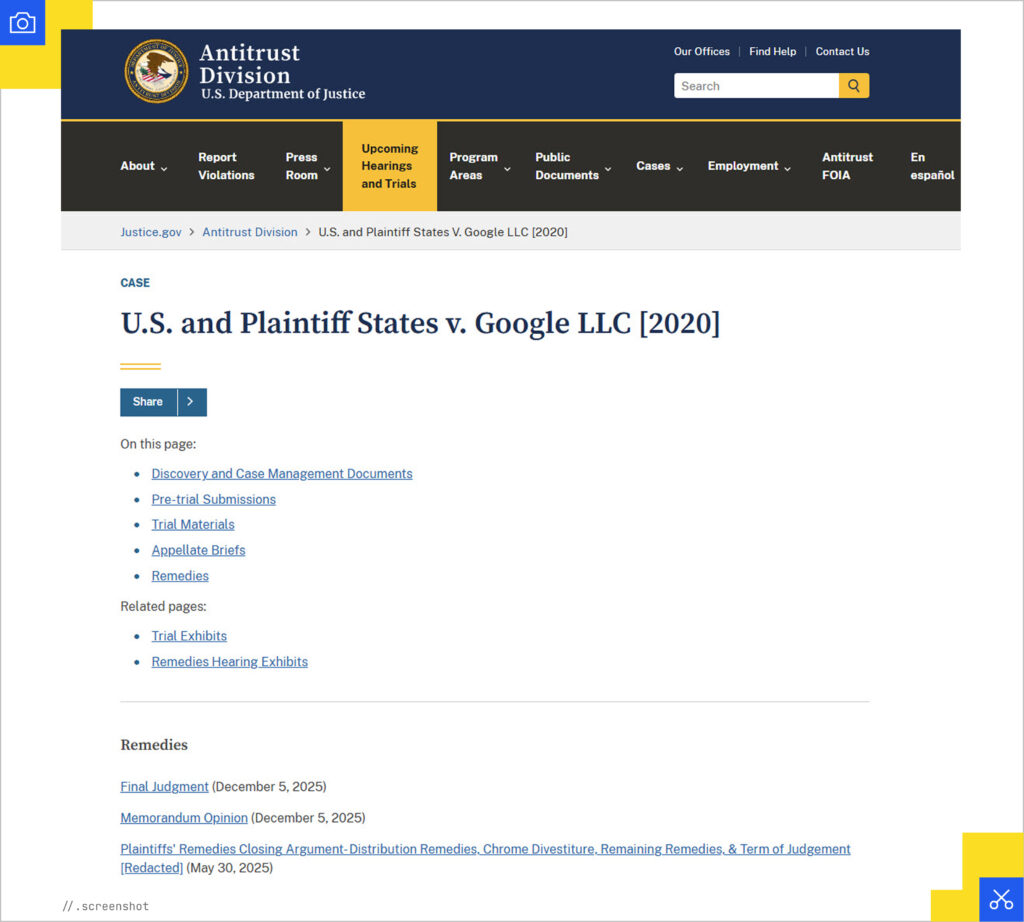
- Sworn Court Exhibits: The Justice.gov Antitrust Exhibits are a big source of truth considering that lying there has legal consequences.
“It’s a combination of research and evidence,” Mike said. “You also have to be mindful that when Google is speaking to the community, they’re speaking to the average person, not the experts. They’re creating something that answers the question for most people.”
Mike emphasized that there are three different things to look at to figure out the actual truth: your research, what’s in the wild, and what Google is saying.
Googling the Truth
Overall, just remember that Google is a massive corporation that is not here to help SEOs be more successful and get more clients. Google is here to continue to be massive and rich. Everything they say should be viewed through that lens, no matter how much their statements happen to align with a point you’re trying to make at that moment.
Also, none of these sources are the whole truth on their own. Look at multiple sources, official documents, legal documents, and general research to come to a conclusion.
“Patents don’t tell you what to do,” Metehan said. “They tell you what Google struggles with and cares about. That’s where the real insight is. Think from a reverse and relevance engineering perspective.”
As we move further into 2026, where still-pretty-inaccurate AI Search has become the norm, these detective skills will be more valuable than ever. Google may obfuscate the truth to protect its bottom line, but the paper trail left by their engineers and leaks will always provide a roadmap for those willing to look.
Don’t just wait for the next Helpful Content update to tell you what to do. Go beyond the headlines and find the real story yourself.